Record the scope
Talk through the project in any order. When you stop, review the transcript and the proposed work items.
 Talk To EstimateSign in
Turn your walkthrough into an itemized estimate. Upload job photos and photos of your chosen materials to generate AI after photos for your client.
5 days free · No card required · Plans from $14.99/month


Collect client payments through your own Stripe or Square account. Square payments are available in the web app.
PayPal · Coming soon
| Work item | Labor | Materials |
|---|---|---|
| Demolition & disposal | $3,200 | $0 |
| Install custom cabinets | $6,400 | $19,800 |
| Fit quartz counters | $2,100 | $8,350 |
| Install appliances | $1,200 | $8,400 |
| Plumbing & fixtures | $3,400 | $2,200 |
| Wiring & lighting | $4,300 | $2,050 |
| Lay oak flooring | $2,850 | $4,250 |
| Tile the backsplash | $1,650 | $1,350 |
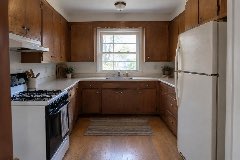
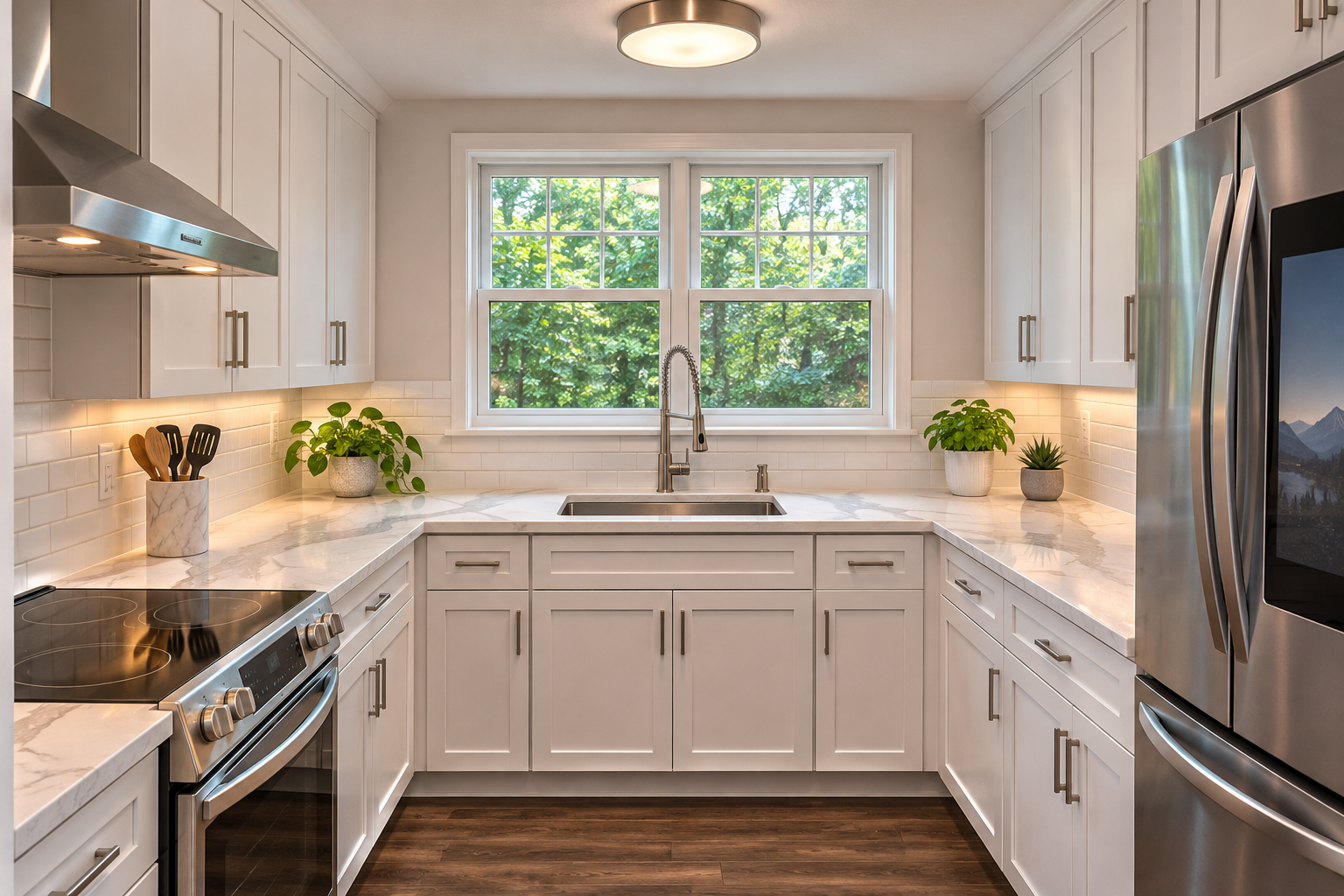
Sample kitchen. AI-generated concept; completed work may vary.
Watch the contractor record the client’s plans and turn them into eight work items. The contractor adds pricing before sharing the estimate.
Talk through the project in any order. When you stop, review the transcript and the proposed work items.
Add quantities, labor and materials to each item. Use your voice to make changes or edit a line by hand.
Include client notes and project photos in your proposal. Generate an estimate, a quote or a receipt for the payment you received.
Open this page in Chrome. Tap the menu, then Add to Home screen and Install. If you see Install app in the menu, tap it directly.
Open this page in Chrome or Edge and look for the install icon in the address bar. On a Mac using Safari, choose File, then Add to Dock when available.